|
|
Software Used: |
|
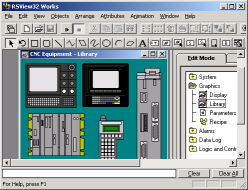
RSView 32 Works with Windows XP (SP2) |
|
|
Course Description: |
|
This is the information age. Data can be pulled directly from the plant floor, and logged to a database. Data can then be extracted from the database, and published to management in the form of production reports. This course will teach the students how to set up the logs in RSView, then extract the data in an organized manner, then create the reports based on this data. These reports can be in the form of either a web page, MS Access database project, or a Visual Basic application. |
|
|
Prerequisites: |
|
A previous PLC course and RSView course are highly recommended. Students must be comfortable working in a Windows based environment, and have a good understanding of RSView and PLCs. |
|
|
Outline: |
|
Review of the Level 1 course
Log tags to MSAccess
Configure the SQL server
Configure the client driver (ODBC)
Log tags to the SQL Server
Mine data using Visual Basic
Organize data
Publish the final document |
|
<< Back to Courses Page
| Return to the top ^^ | Printable Version
| |
|